
Catch links on your phone before they get lost
ČITTAM Capture Lab is a tiny Android app for the moment a link is worth keeping but there is no time to deal with it. Share it from any app into an inbox that lives on your phone; hand the whole batch to ČITTAM Linkbook when you are ready.
- Android 8+
- No internet permission
- Verified release
Android may ask you to allow installs from this browser. It is the one-time setting Android shows for apps installed outside a store.
Verify this release
Build 20260821001
SHA-256 checksum281a6eaf2a0e107092d0d92effcb319b25a9d19140b6104ee7e07ac2684944c1
After downloading, compare this value with the checksum published in the release notes for the same version.
Browse all releases on GitHub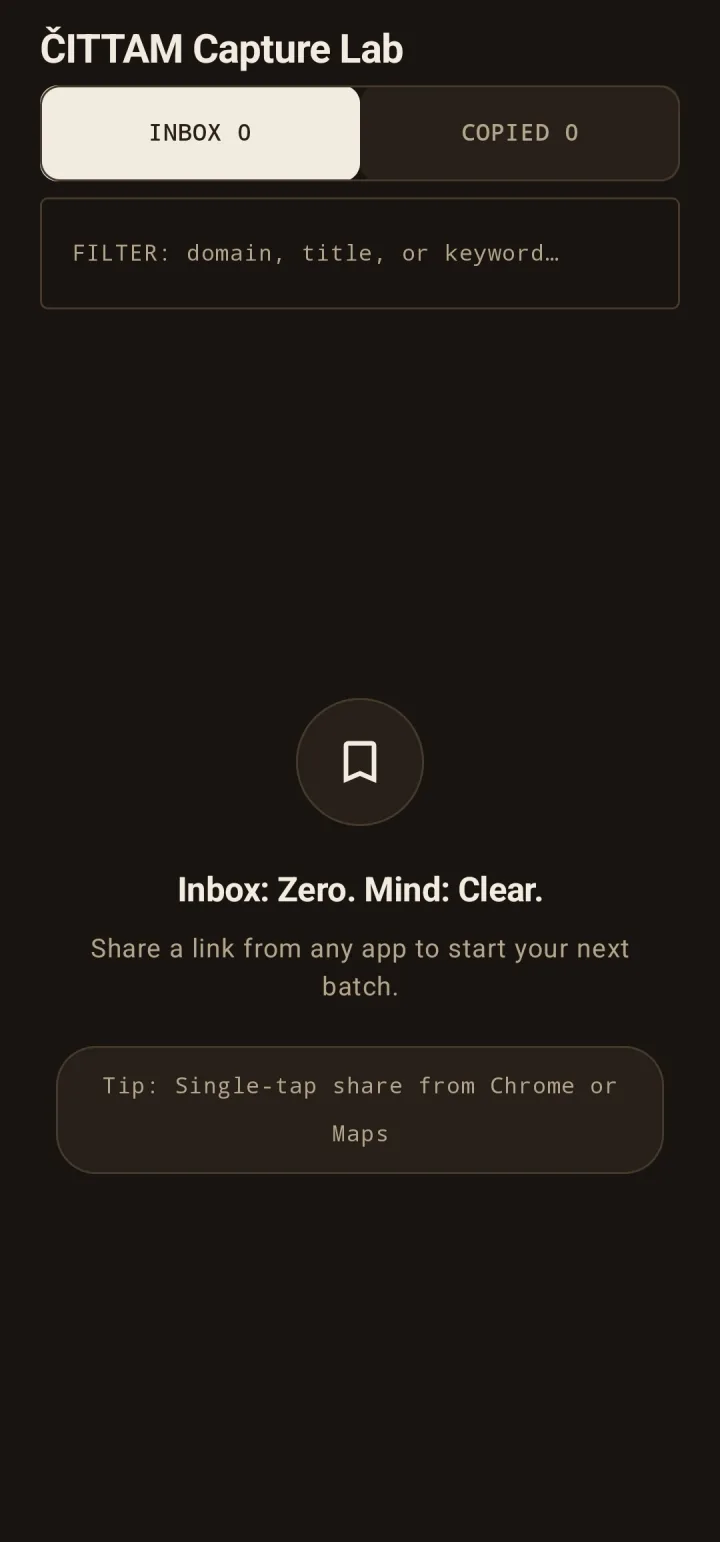
How it works
Three steps, and the first two need no connection at all.
- Share any link to “ČITTAM Capture Lab” from the Android share sheet — a browser tab, a chat message, a video.
- Links wait in an inbox on your phone. Capture ten or a hundred; nothing is sent anywhere.
- One tap copies the batch and opens ČITTAM Linkbook, where you paste it into your workspace and every link becomes a scannable QR record.
Capture Lab itself needs no account. ČITTAM Linkbook, where the batch lands, needs a free ČITTAM account.
Why is Capture Lab separate?
ČITTAM Linkbook remains the cross-platform home for building documents and QR exports. Capture Lab adds one Android-only ability the PWA cannot provide: save a shared link and return immediately to the app you were using. Keeping it separate makes it optional, account-free, local-only, and without internet permission. Linkbook works without it.
No system permissions, by construction
- No internet access
- Links stay on this phone
- Export only when you tap
Read the technical proof
The app requests no system permissions — not even INTERNET. Without INTERNET permission, it cannot upload captured links to analytics, an account, or a server. It only copies URLs to the system clipboard when you choose an export and opens Linkbook; nothing is uploaded automatically. Captured links stay on your phone until you choose that handoff. The permission list of every release is verified on the signed APK and published with its release notes; its only entry is a self-defined AndroidX hardening guard that grants access to nothing.